UI UX Design: Crafting Engaging Digital Experiences
In today’s competitive digital landscape, UI UX design plays a pivotal role in determining whether users stay, convert, or churn. When done right, UI UX design seamlessly blends aesthetics with functionality, guiding users through intuitive interfaces and meaningful experiences. This article delves deep into the world of UI UX design — its principles, process, trends, and metrics — to equip product teams and designers with the insights they need to create standout digital products.
Understanding UI UX Design: Definition & Importance
What Is UI UX Design?
At its core, UI UX design encompasses two complementary disciplines:
User Interface (UI) Design focuses on the visual layout — the colors, typography, icons, and interactive elements that users see and click.
User Experience (UX) Design zeroes in on the overall feel, usability, and journey — how users accomplish tasks, how they perceive value, and how effortlessly they navigate.
Why UI UX Design Matters
Investing in robust UI UX design delivers measurable business benefits such as higher engagement, improved conversion rates, enhanced brand perception, and lower support costs.


Key Principles of Effective UI UX Design
While every project is unique, several universal principles guide successful UI UX design:
- Clarity Over Complexity: Strive for interfaces that speak plainly with legible typefaces and clear labels.
- Consistency: Maintain uniform design patterns across the product.
- Feedback & Response: Offer immediate visual or haptic feedback on user actions.
- Hierarchy & Prioritization: Use size, contrast, and spacing to highlight primary actions.
- Accessibility & Inclusivity: Ensure designs accommodate diverse abilities.


The UI UX Design Process: From Research to Prototype
User Research & Empathy
Start by understanding your users’ goals, pain points, and behaviors. Techniques include interviews, surveys, and contextual inquiries. The insights gathered form personas and journey maps that steer design decisions.
Information Architecture & Wireframing
Organize content hierarchies and page structures. Low-fidelity wireframes lay out screens without visual polish, focusing purely on layout, flow, and functionality.
Prototyping & Interaction Design
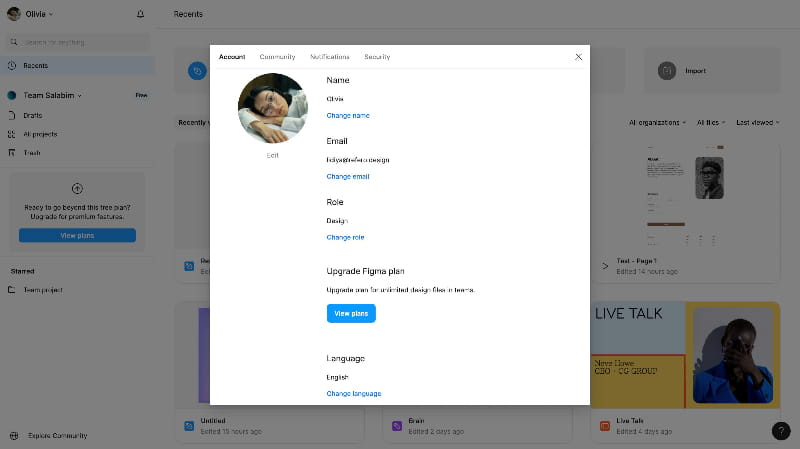
Build interactive prototypes — using tools like Figma or Adobe XD — to simulate real user flows. Define animations, transitions, and microinteractions that delight and guide users.
Visual Design & Branding
Apply your visual language: colors, typography, iconography, and imagery. Align design assets with brand guidelines to ensure a cohesive look and feel.
Usability Testing & Iteration
Validate prototypes with real users via moderated testing or remote sessions. Monitor task success, time-on-task, and qualitative feedback. Iterate rapidly to address issues before development.
Handoff & Collaboration
Document design specifications — including spacing, typography scales, and asset exports — and collaborate closely with developers. Tools like Zeplin or Figma’s Inspect mode streamline this phase.
Emerging Trends in UI UX Design
Staying current with UI UX design trends ensures your product feels modern and resonates with users’ evolving expectations:
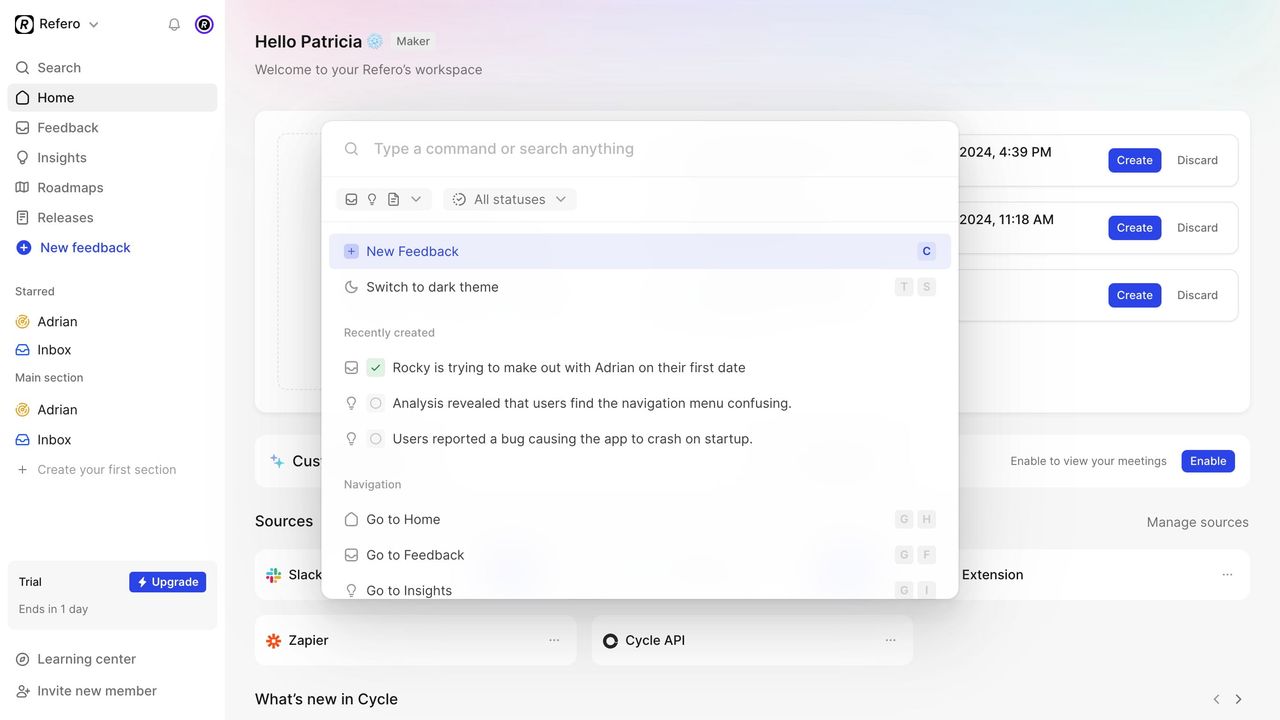
Dark Mode & Minimalism reduce eye strain and emphasize critical content.
Microinteractions & Motion add personality and guide attention with subtle animations.
Voice UI & Conversational Design demand new patterns for dialog, error handling, and confirmation.
Augmented & Virtual Reality Interfaces explore 3D layouts, spatial interactions, and gesture-based controls.
Design Systems & Component Libraries accelerate development and ensure consistency.
Measuring Success: UI UX Design Metrics
Objective data helps validate design choices and identify areas for optimization. Key metrics include task success rate, time on task, error rate, NPS, and user engagement metrics such as session length and click-through rates.
Mastering UI UX design is an ongoing journey of empathy, creativity, and analysis. By adhering to proven principles, following a structured process, embracing emerging trends, and leveraging meaningful metrics, you can create digital experiences that delight users and drive business results.